JS13KGames 2026 - Post Mortem
Hello Coders! 👾
JS13KGames is always one of those game jams where the technical challenge is almost as important as the game itself. This year the limit was 13KB, including all the code, graphics, audio, and everything else in the zip. The theme was Unicorns and Rainbows, so I decided to make not one but two games.
The WebXR entry is Rainbow Reboot , made with PlayCanvas and TypeScript. The other entry is Rainbow Merge , a small 2048-style game for the regular category.
Rainbow Reboot
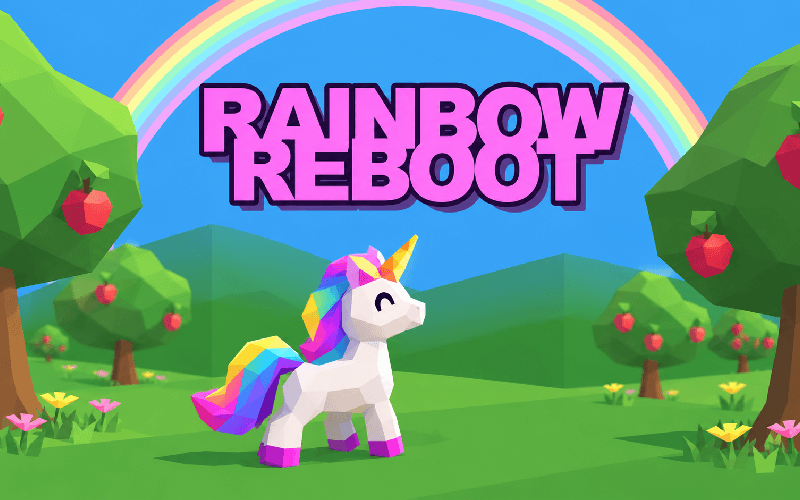
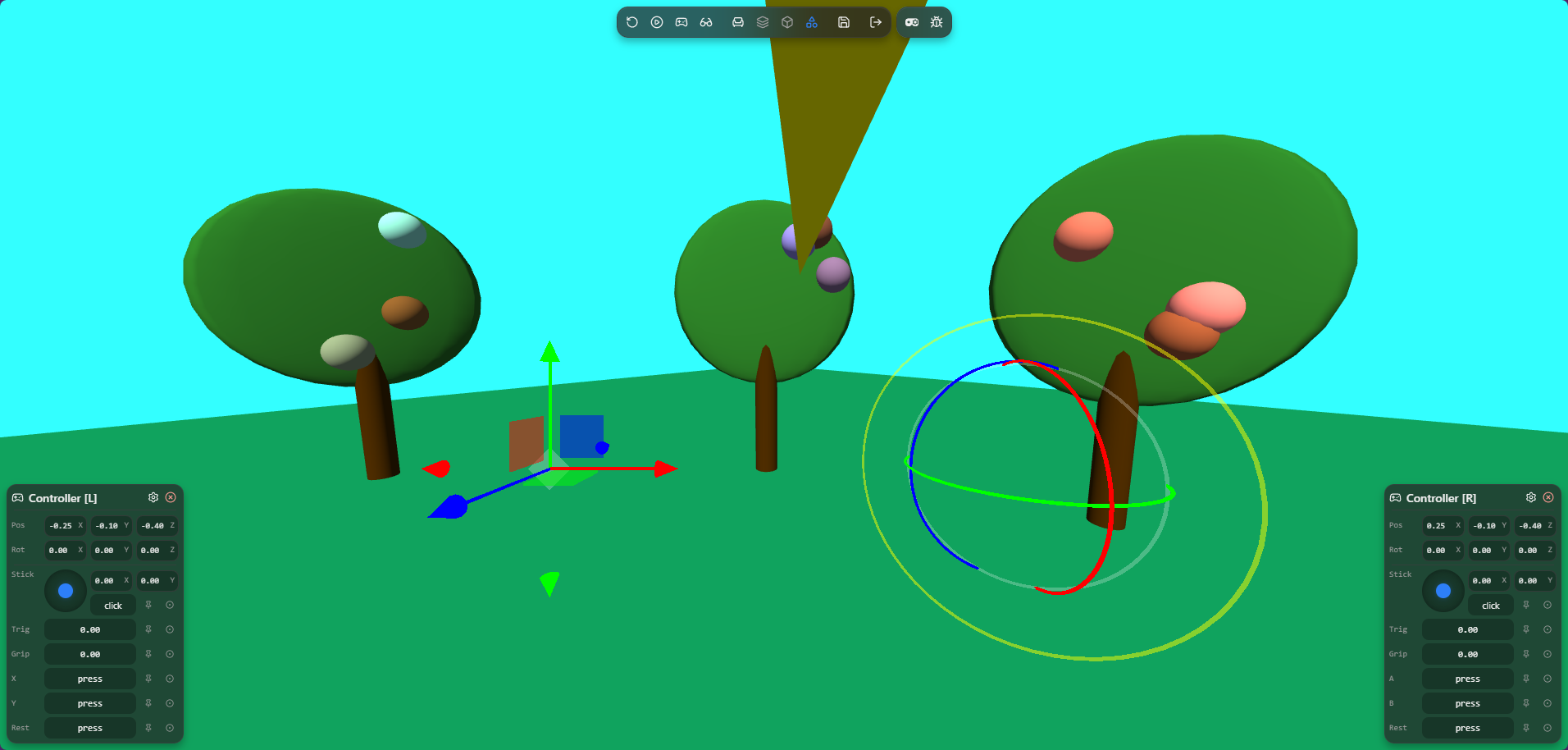
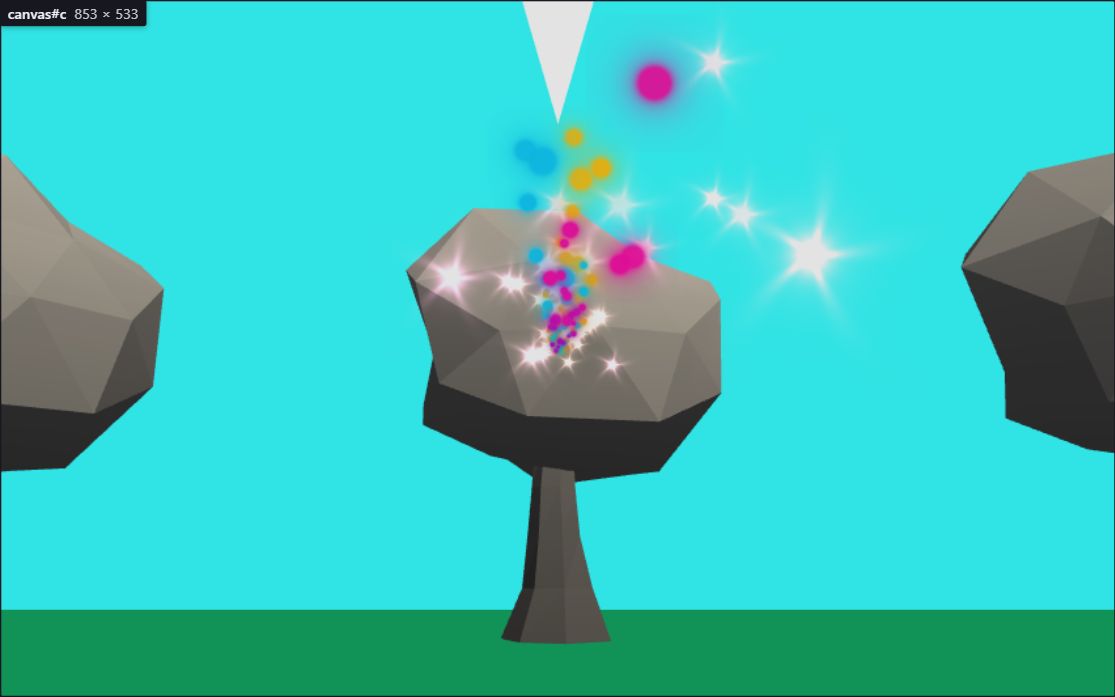
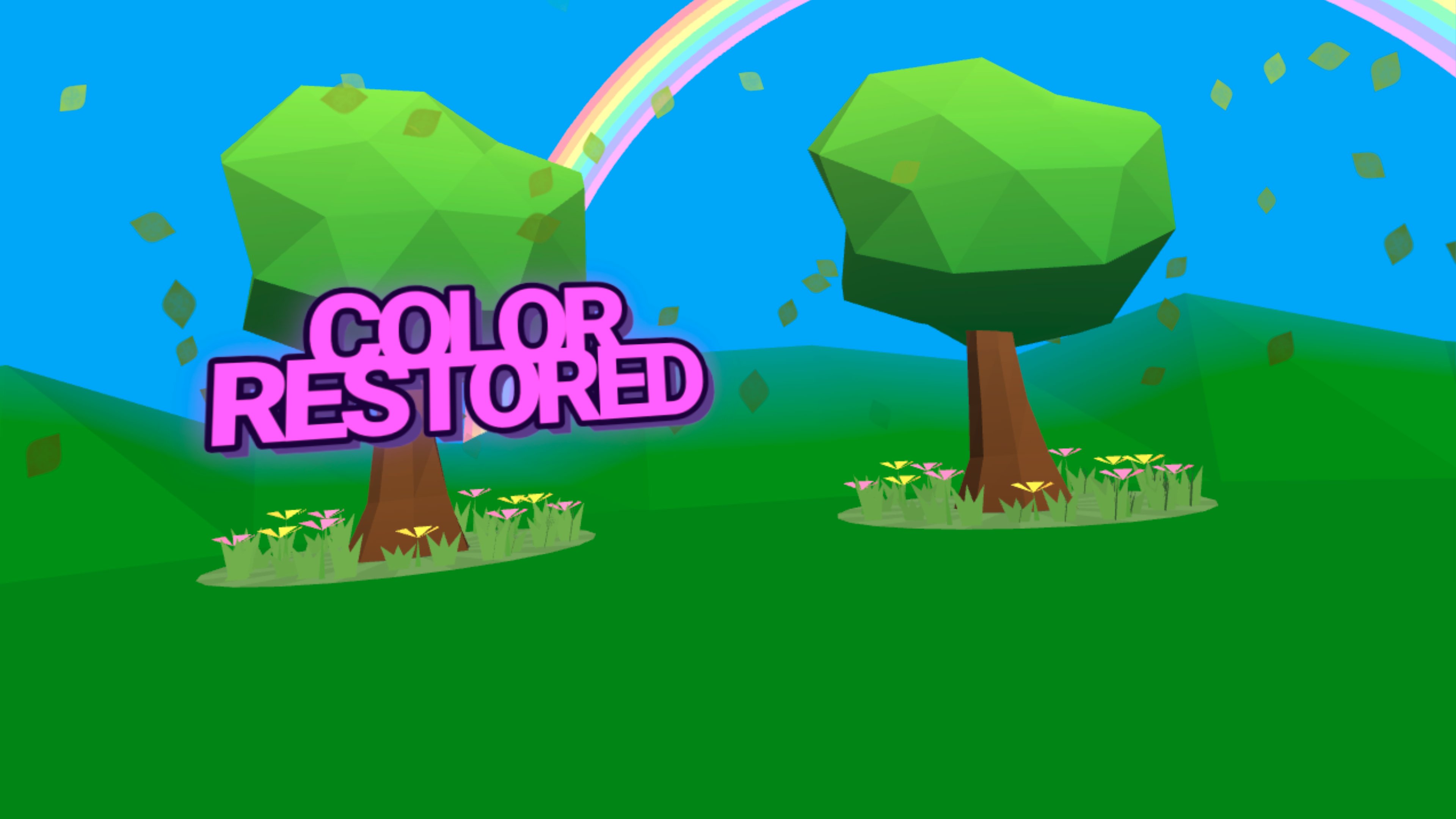
In Rainbow Reboot you play as a unicorn that has to bring color back to a grey world. The main mechanic is very simple: trees grow fruit, the fruit decays over time, and you need to shoot it with rainbows from your horn before it is too late. Shooting fruit heals the tree. When a tree is healed, it stops spawning fruit, and when all trees are healed you win.
There is no real losing state. If you leave the fruit alone, the trees slowly become grey again. I wanted to keep the gameplay simple because the game had to fit inside 13KB, but I still wanted it to feel nice in VR.
I used PlayCanvas this time and built the project with TypeScript and ESBuild. I created a couple of custom plugins specifically for JS13K. The most important one makes sure PlayCanvas itself is not included in the final build. Last year I created a Vite plugin that automatically starts ADB port forwarding. I ported that to ESBuild too, so running the development build also forwards the correct port to my Quest. That made testing in VR much easier. I plan on creating a separate repo for these plugins since they might be usefull for other WebXR developers too.
Starting Small
I wanted to make sure the idea worked before investing too much time into making it look good. So at the beginning, the trees were just cylinders with flat spheres on top. Fruit spawned on them and pulling a controller trigger shot a ray at the fruit. It was not much yet, but it proved that the main interaction worked.
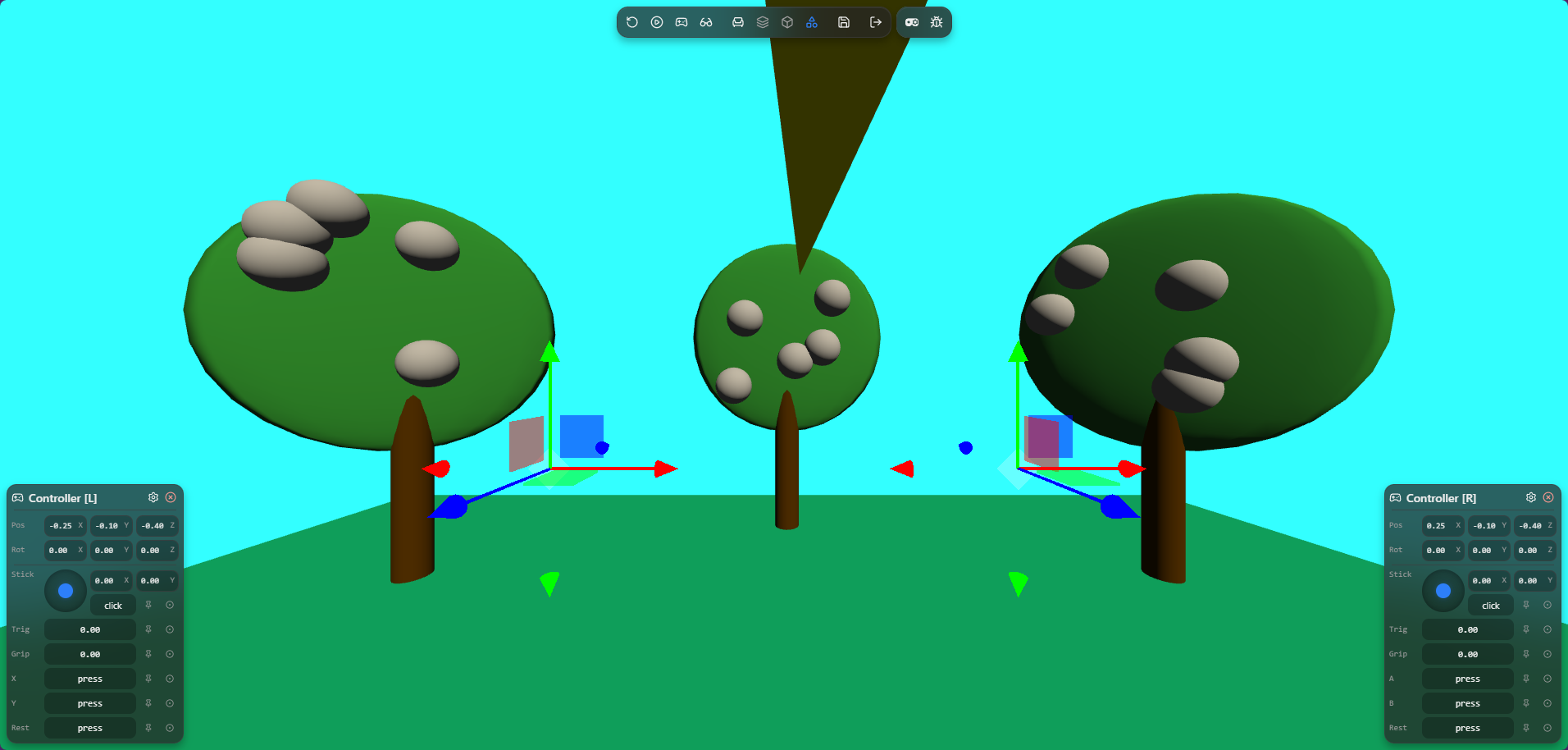
The first working version was only 3,678 bytes. That gave me plenty of room to add variation to the fruit spawning, particles, sound effects, text, waves, a winning screen, and more visual detail.
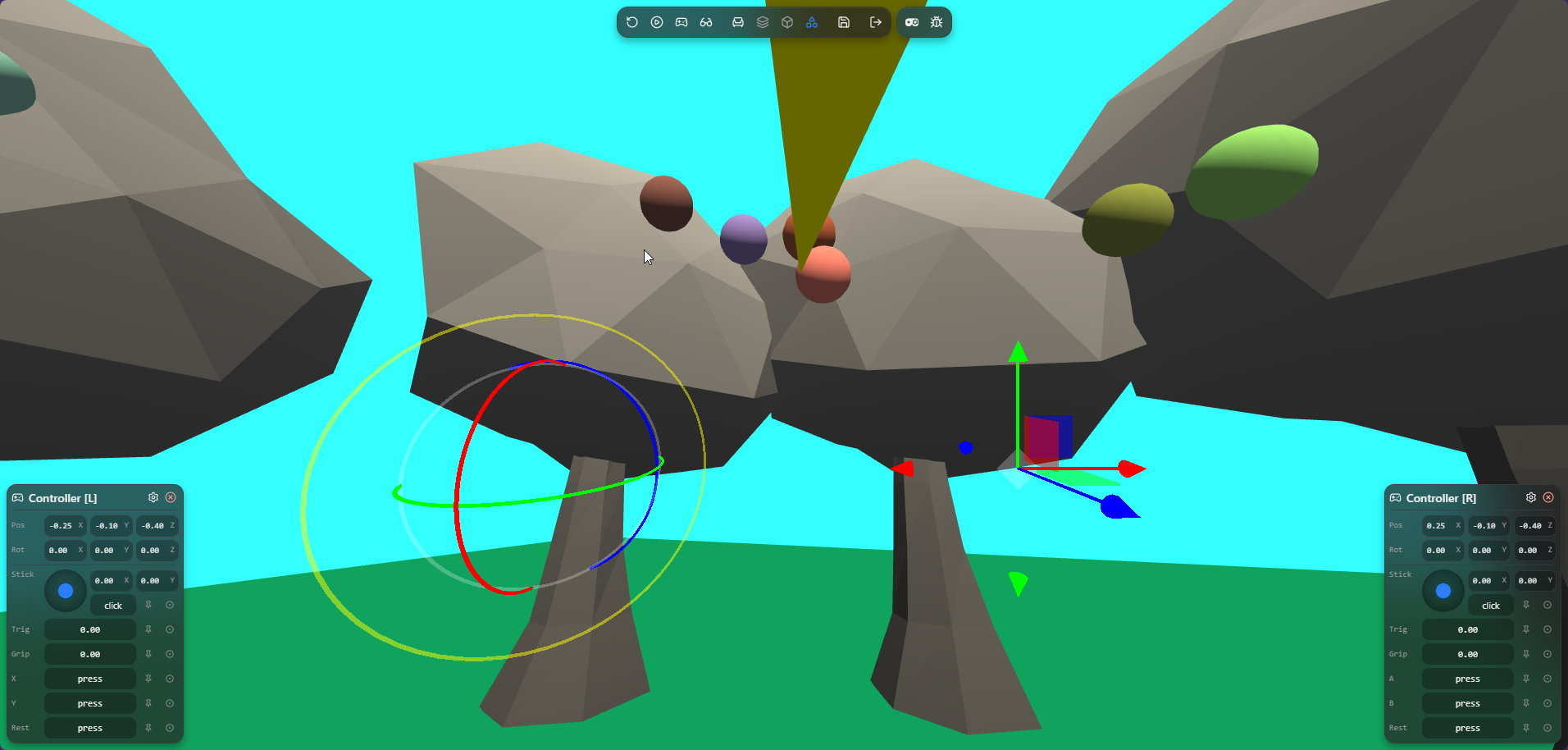
The trees were an interesting problem. I first tried using a procedural tree designer I made, but the result was too large for the game. In the end I used hardcoded tree data instead. It was a bit less flexible, but much smaller. Converting a generated tree to an array of vertices by hand would probably have taken me hours, so this was a good place where AI helped me get the result into a usable format.
Custom Jam Tools
I spent some time building tools next to the game. Some of these were made mostly with AI help, but they were still very useful for experimenting quickly within the JS13K limitations.
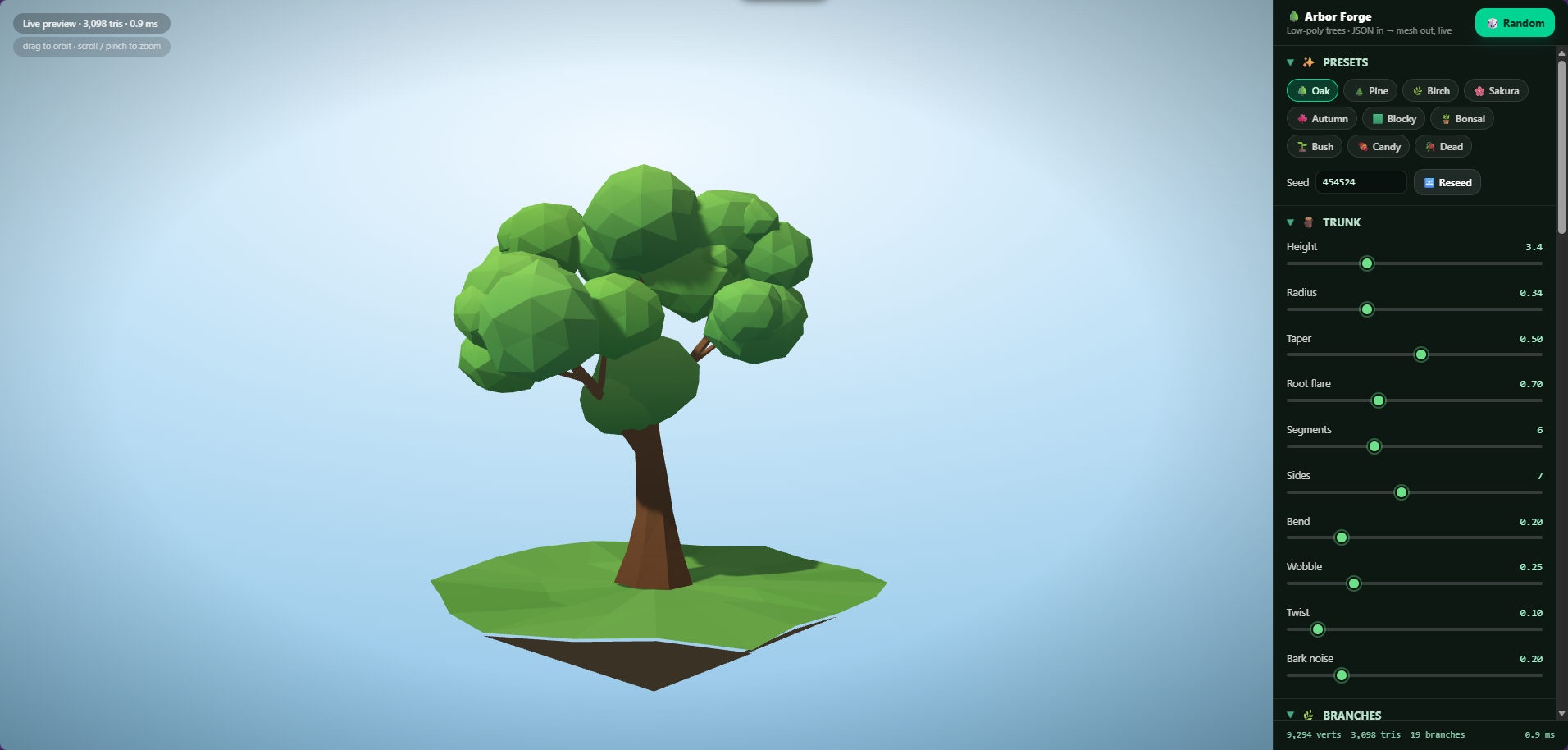
I made a particle editor, a text texture editor, a procedural tree designer, and an audio editor. The audio editor creates formulas that generate audio buffers, so no sound files need to be included in the zip. The particle textures are generated mathematically for the same reason.
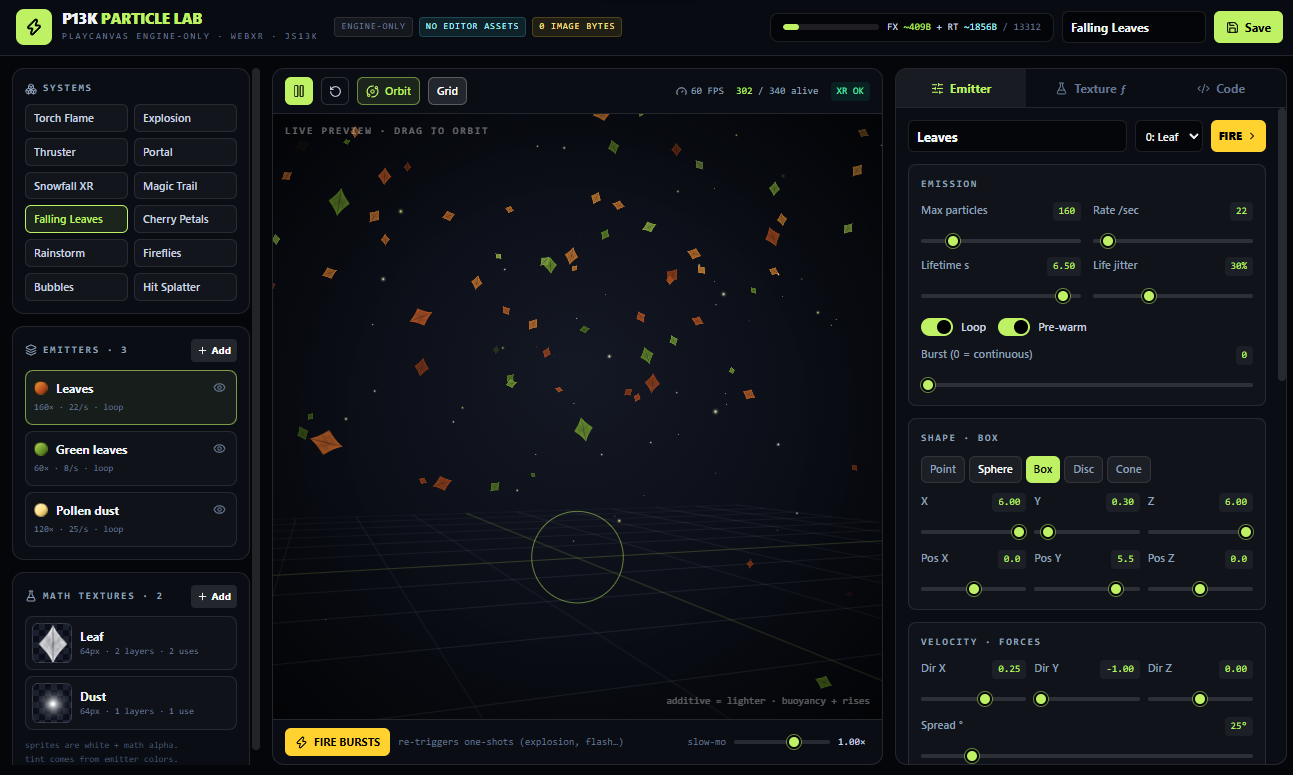
The particle editor creates a multiple groups of setting to have different particles at the same time. For example you can have a beam that changes color over time, a flash and some sparkles all appearing together. The images used for the particles are generated mathematically, which helps keep the game size small. In case of further development I might add using other types of images too.
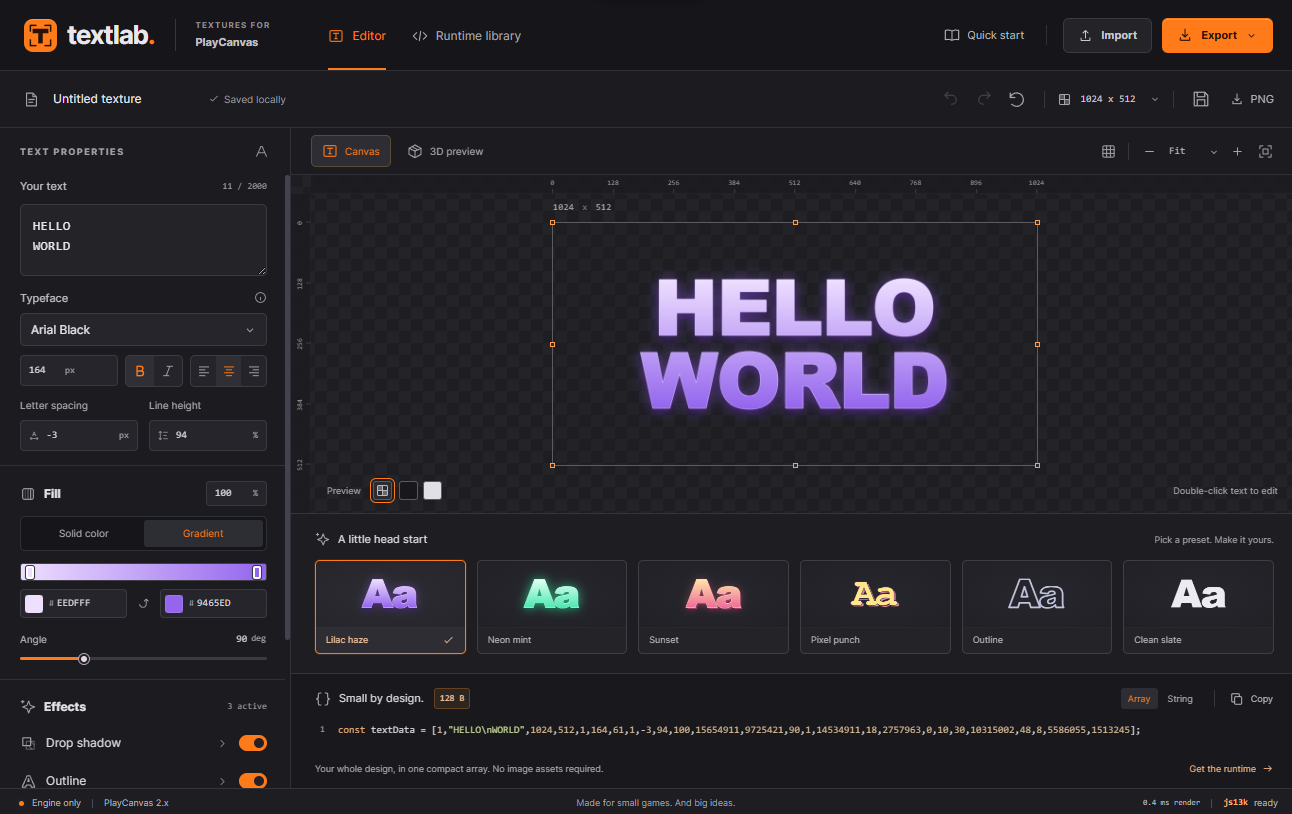
Text is always a difficult thing for Js13K. All these frameworks that are allowed in the jam have extensions for text, but these are not included. Also, using a font would not fit in the size limit. So, one thing I always do is create a canvas, draw text on that and use it as a texture. This approach allows for flexible text rendering without increasing the game size significantly. But, designing the look of these texts is pretty tedious. This little editor helps by providing a visual interface to design and preview the text textures before integrating them into the game.
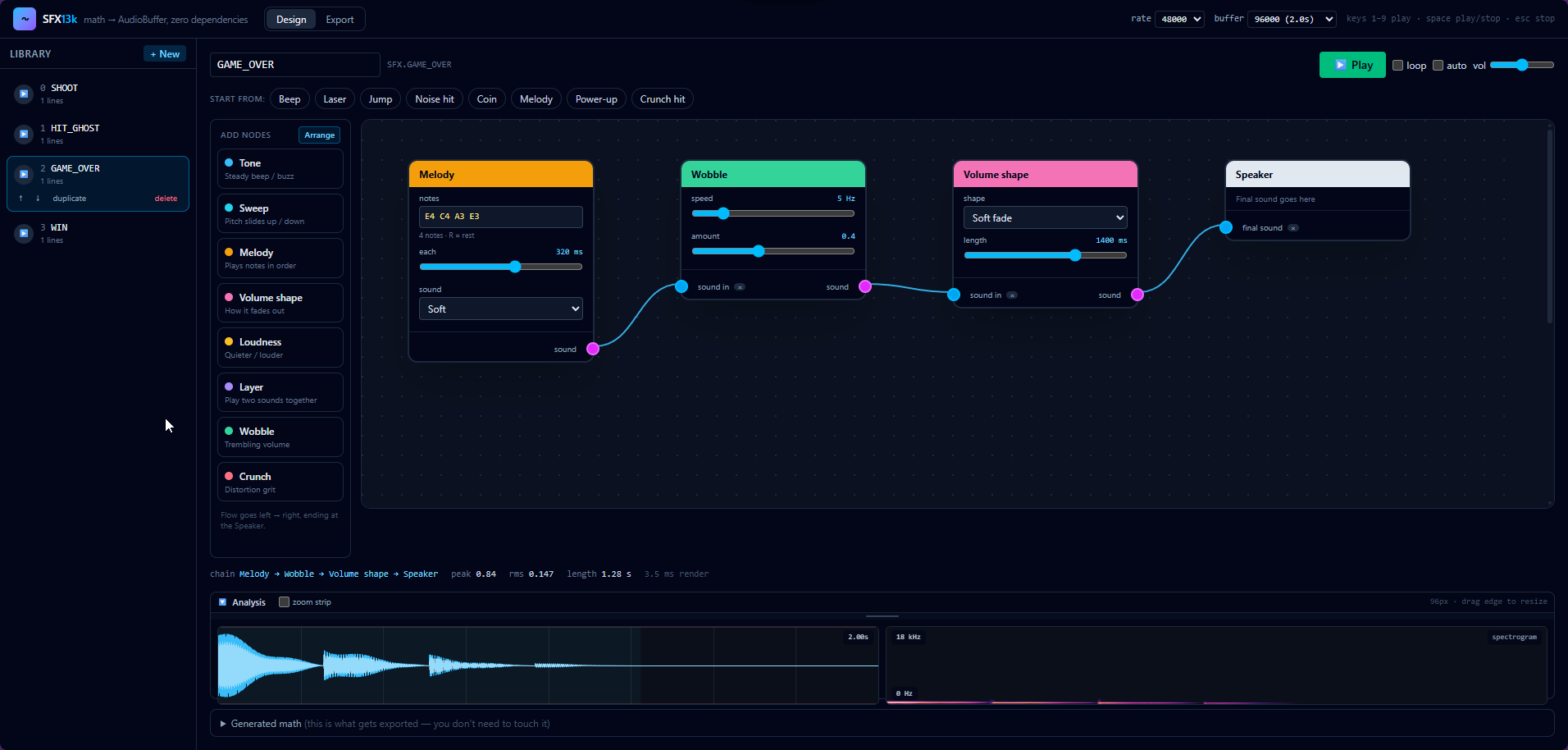
In the past I’ve used math to create sound effects and use the standard Web Audio API to play them. Again, this is quite tedious to do. So it made sense to create a little editor for that as well. The SFX editor allows me to design and preview sound effects visually, and it generates the necessary code to integrate them into the game. This significantly speeds up the process of adding audio to the game while keeping the file size small.
The particle editor became especially useful. I asked GPT-6 Astra to add an MCP server to it, and then I asked it to add a particle system to the game. It used the MCP server to create the effect. The particle effects are driven by strings, with a small amount of code to customize values such as the color. That means adding a new effect is mostly adding another string and a few lines to load and play it.
The particle library did make the game larger, but at that point the total size was still only 6,471 bytes. There was enough budget left to make the rainbow unicorn effects feel a bit more alive.
I want to try these editors in my future projects as well. The tools significantly speed up the development process and allow for rapid experimentation. Without the 13KB limitation these tools are all built in 2 parts: the editor itself and a small piece of library code that integrates it into a game. I imagine having some npm packages alongside the editors. I need to figure out a nice way to make the editors publicaly available. Perhaps I will create a dedicated website for them, with documentation and examples to help other developers get started quickly. Probably more on that soon :)
The 13KB Budget
The final days were mostly about adding small details without running out of space. At one point the zip was 10,916 bytes, leaving 2,396 bytes for more content. Later it reached 12,014 bytes, and after adding ambient music and a sound effect for healing a tree, it was 12,827 bytes. That left only 485 bytes.
I also used GPT-6 Astra to investigate ways of reducing the zip size. I told it which libraries could be changed, and it tried different combinations until it found a smaller result. It brought the zip from 9,737 bytes down to 8,407 bytes, which gave me more room for the finishing touches. This process was pretty amazing to witness. It took some time, but seeing it try different approaches and succeed was impressive. At some point it found an optimization that would reduce the size by only a few bytes, but it would make the original code less readable and harder to maintain, so it decided not to go with that. I did not expect the AI to be this pragmatic in these kinds of optimizations.
I added a GitHub Actions badge that automatically shows the current zip size. It was a nice way to see the remaining budget without having to check it manually after every change. Every commit was also deployed automatically, which made it easy to test the latest version. It also meant there was no guarantee the version online was working at every deploy. But it was nice to see the progress and size visually in real-time.
A Second Entry
One of the sponsors this year was Berrry . I used it to create a quick prototype of a Unicorn and Rainbow themed 2048 clone. I downloaded the generated code. It worked, but wasn’t looking very good and didn’t play very well. But, I kinda liked the idea. So, I gave it to GPT-6 Astra and had that turn it a much better game. I’ve decided to keep it to maybe submit it as a second entry. I polished it further, added sounds and eventually submitted it as my second entry: Rainbow Merge. It’s not the best game, and with more time it could be improved further. There are some issues with it, like audio failing on Firefox and the mobile version not scaling correctly all the time. If it does well in the game jam I might see if I can improve it a bit more. We’ll see.
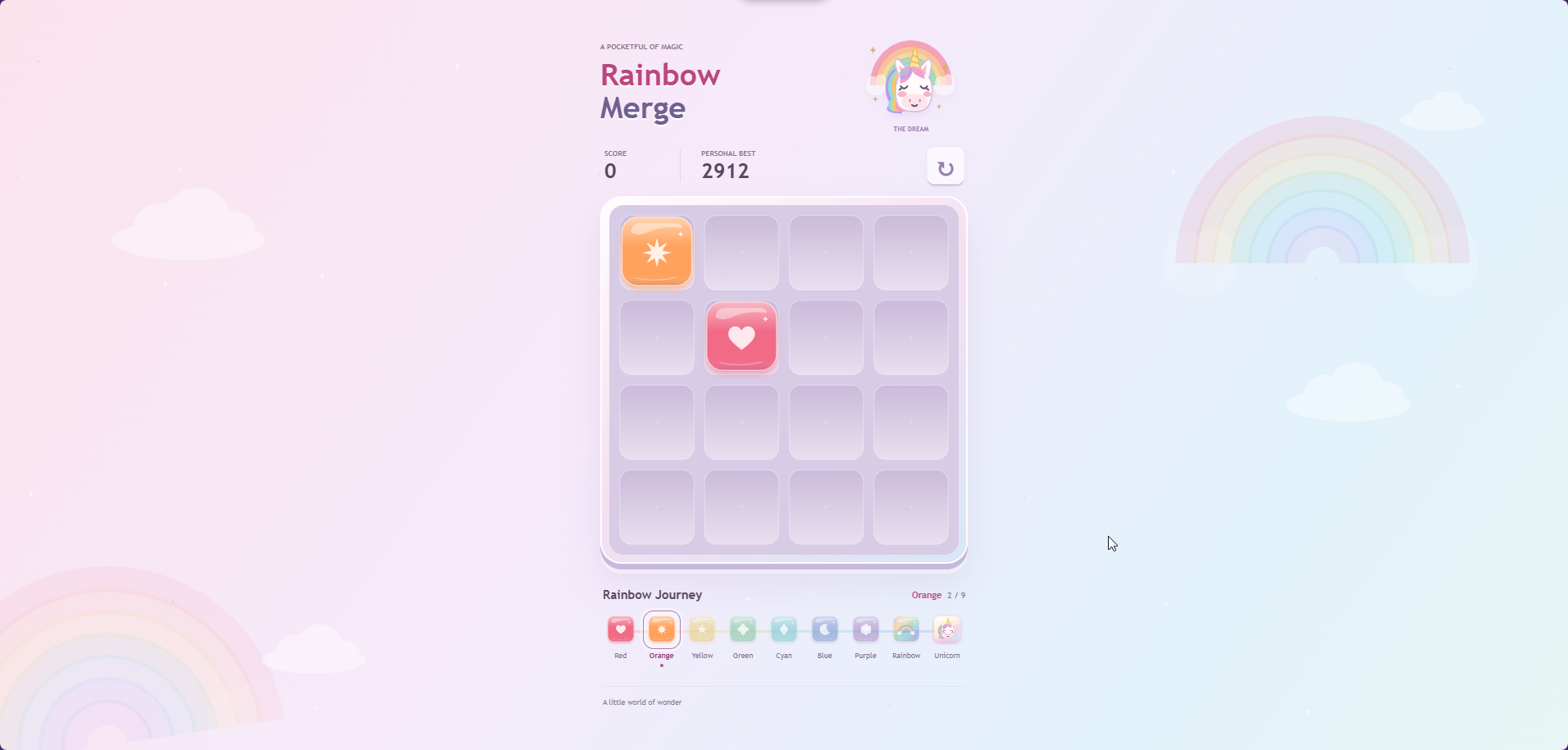
The part that surprised me most was the generated unicorn graphic. It is drawn in code with a lot of canvas paths. For example:
context.stroke(new Path2D('M33 59Q38 65 43 59M63 59Q68 65 73 59M34 62L31 64M72 62L75 64M50 85Q54 88 58 85'));
I still find it pretty amazing that AI can create a recognizable drawing from a big collection of paths like this. And the whole game was still around 10KB.
Submitted
In the end I submitted both games. Rainbow Reboot was my WebXR entry, where I focused on fitting a small interactive world, particles, generated audio, and PlayCanvas code into 13KB. Rainbow Merge was an experiment that became a second entry.
The main lesson for me is that tools are very important in a size-limited jam. The game code needs to stay small, but having quick ways to generate particles, audio, text textures, and geometry makes it much easier to try ideas. AI was useful here too, especially for building those tools, converting data, and trying build optimizations. But I still needed to decide what fits the game and what is worth spending bytes on.
Happy Coding! 🚀